


How to Make the Right Impression with GSAP Animations
- Dec 2, 2020
- 2 min read
Updated: Dec 5, 2020
You've tried everything, but you still can't get the desired effects animating your website? The solution is simple - learn GSAP!

Modern websites are becoming increasingly interactive and dynamic. If you want to make the right impression on whoever lands on your page, then GSAP might be the answer. There are plenty of animation technologies out there. But one of my favourites and most importantly - most intuitive one is GreenSock (GSAP).
Introduction
Now you might be wondering, why do I even need technology like GreenSock? If you don't want to spend a long time calculating delays between animations to create something that you could otherwise do in a blink of an eye - then that's the reason. I like GSAP because it gets the job done, and it's super easy to learn. Here are some reasons why it's worth including in your project:
It has many modern effects which you can utilise with just one line of code. For example, if you wanted to create a bounce effect using native animation in CSS, it would take you a lot of effort, and the final result wouldn't be so pleasing. Using GSAP, it literally takes one line of code. It couldn't be easier, could it?
GreenSock provides timelines which make it easy to schedule animations one by one without having to deal with delays and all that "annoying" parts like in native CSS.
You can easily target every DOM element and animate it according to your needs.
It takes care of cross-browser issues, performing various calculations under the hood, preventing unwanted behaviour.
GreenSock - where the magic happens
As mentioned earlier, creating a simple bounce animation takes no more than one line of code. That is how it looks:
gsap.to("#logo", {duration: 1, x: 300, ease: "bounce"});As you can see, even without explaining, you could quickly figure out how it works. You type gsap.to which means the animation is going forward and then you select the right DOM element. Next up, you specify the duration and the direction of movement on the right axis. You wrap it up with the ease you want, and it's finished! Bounce animation with just one line of code.
Here are some more examples of smooth animations you can create on your website:
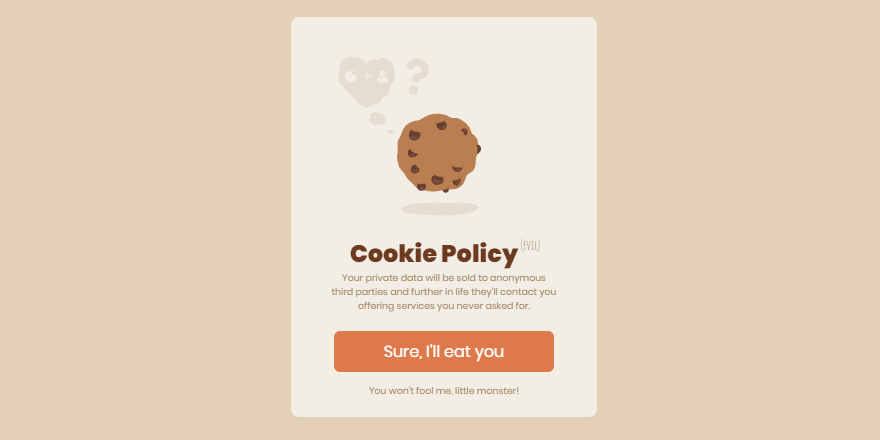

Source: https://codemyui.com/tag/gsap/
As you can see, the possibilities are endless, along with eases you can also manipulate SVGs, draw them, animate text, move things all around the screen or chain hundreds of animations one after another using simple timelines. The imagination is the limit, and it's up to you what you want to do with this unusual library.
I recommend checking out the official documentation and read the "Getting started with GSAP" article on their official website if you want to learn more about this technology and how it works: Get started with GSAP.
Conclusion
GreenSock is a perfect technology if you're looking for something simple and intuitive. Of course, some libraries might get the job done better, depending on what you want to do. If you're interested in animations and different libraries, then be sure to sign up to my newsletter - I'll be looking into more interesting libraries in the future.


Comments